
Je peux vous renseigner? Quel type de test recherchez-vous ?
Luc Consultant SIGMUND
×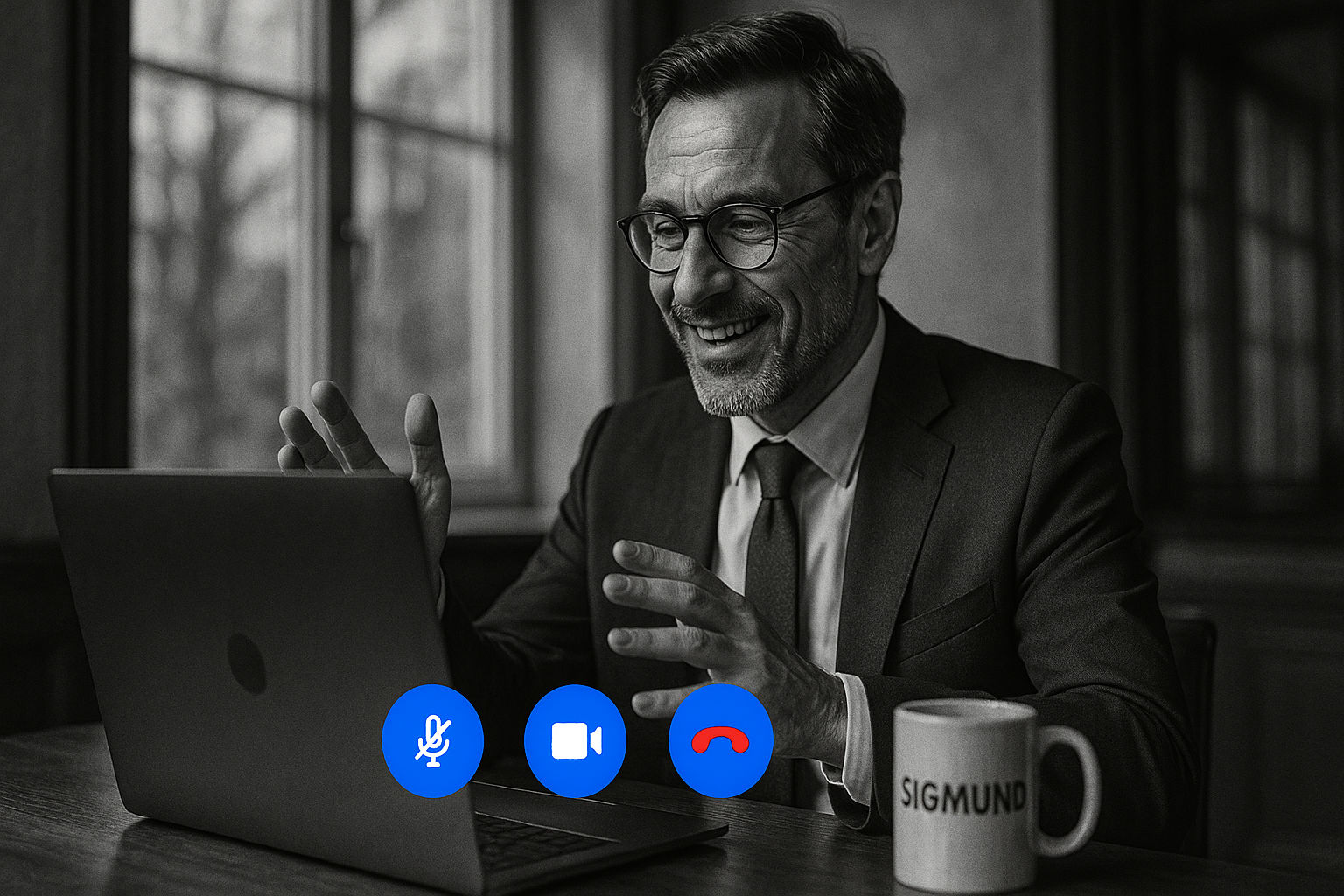
VIDEOKONFERANSE
Bestill
en videokonferanse
Få 15 dagers gratis prøveperiode
Oppdag vårt komplette utvalg av vitenskapelig validerte psykometriske tester
Eller book en videokonferanse
Book a video conference
Our video conferences are held in French. Thanks to Google Meet's automatic translation, you can follow the meeting and take part in your own language, with or without subtitles.
How does automatic translation work?
- During the meeting, Google Meet automatically recognises the language of each participant.
- You hear the other person in your own language, live, with a voice close to their own.
- Your own words are translated the other way for the other participants: everyone speaks their own language, and everyone understands each other.
- Translation is instant.
How do you enable translation during the meeting?
- Join the video conference using the link you received by email (computer or phone).
- At the bottom of the screen, click the
"Subtitles and translation" button.
- Click "Translate what is said".
- First time using it: choose the language in which you want to hear the translation, then confirm.
- Click "Translate me" so that your own words are translated for the other participants.
- Optional: turn on subtitles - they will then appear automatically in the translated language.